 Inklings Astronomy
The universe, up close.
Fly to every planet, star and galaxy, then answer what you saw.
Student screen timeanswered and graded on screen
Fly there first.
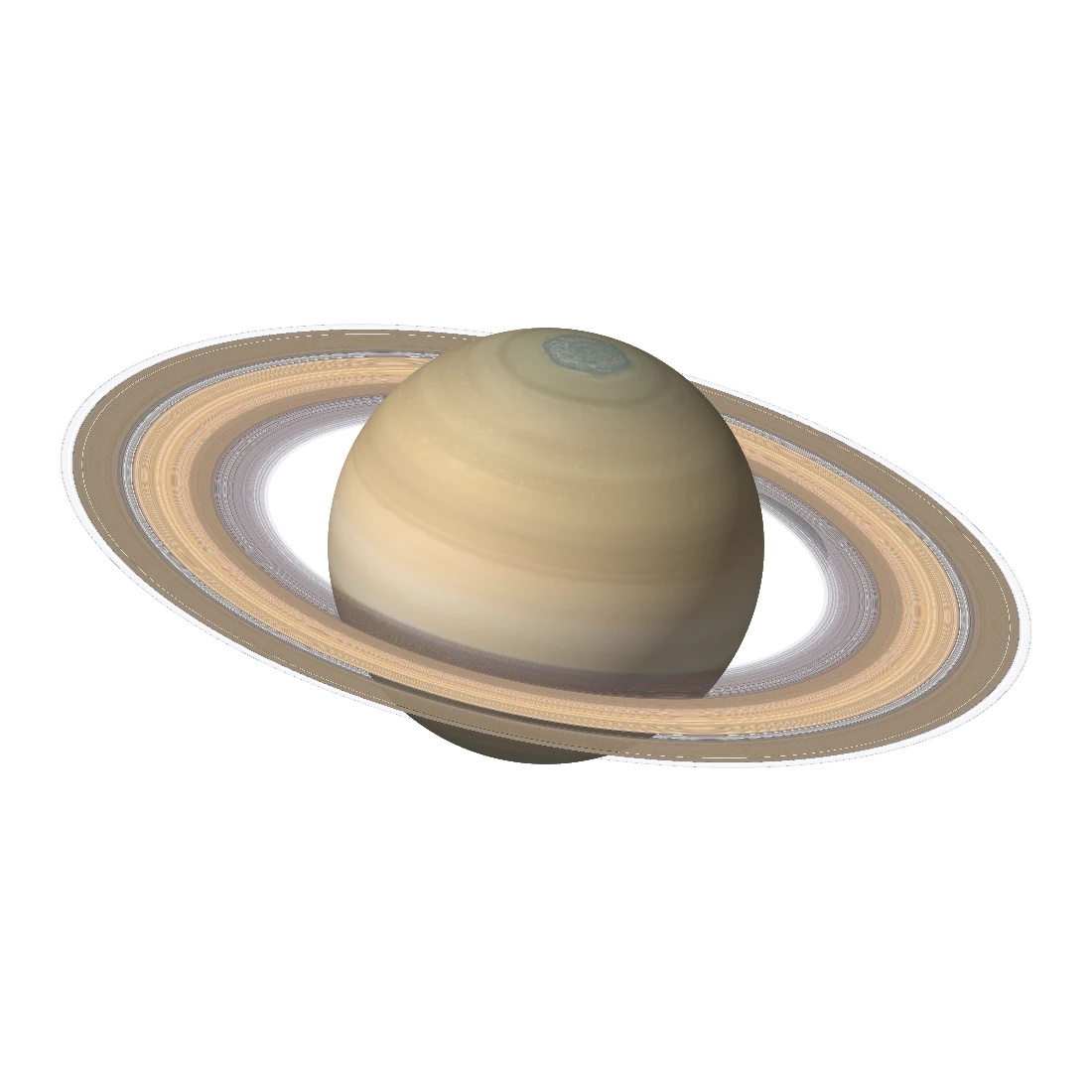
Each new topic opens with a 3D tour through space to exactly what the worksheet is about.
Both night skies.
The 60 best-known constellations on real star charts, north and south.
The Space Guide.
An interactive 3D view of the solar system, the stars, nebulae, black holes and galaxies.
Astronomy worksheets your student answers on the screen and that grade themselves the moment they tap Submit, from the Sun, the Moon and the planets to the constellations of both hemispheres, the kinds of stars, nebulae, exploding stars, black holes and galaxies.
You tick what your student already knows. Inklings Astronomy builds a worksheet from the next few topics in the course. Before a worksheet that starts a topic, a 3D guided tour flies through space to what the topic is about, and a narrator walks your student through exactly what the worksheet will ask, and nothing else. Your student then picks answers from buttons, taps the right planet, moon or star in a picture, or types an answer, and taps Submit. The sheet is marked at once. Every mistake opens its worked solution, then a fresh question like it to try, and the next worksheet takes account of everything: holding a topic back until it is solid, and slipping in the occasional refresher from something already mastered.
The course is broad but shallow on purpose: what things are, what they look like, how big and how far away they are, and where to find them in the sky. No calculations, no history and no theories of how things formed.
How it works
- Set up your student and, ideally, a parent PIN. The PIN keeps the answer key, settings, tests and the other parent controls for you.
- Mark what your student already knows, or leave it blank to start at the first look at the sky, about Grade 2.
- Each new topic opens with a short 3D tour of what is on the worksheet. A topic your student found hard comes back with a tour of the mistakes.
- Your student answers on the screen and taps Submit. Answers are kept as they go, so a worksheet can be finished later.
- The results come straight away: the score, what was earned, and a look over each mistake with its worked solution and one like it to try.
- The next worksheet is built from what that showed.
What is inside
- 182 topics across eleven levels: a first look at the sky, the planets, moons and small worlds, sizes and distances, the Sun and the stars, skywatching, the northern sky, the southern sky, nebulae and exploding stars, neutron stars and black holes, and galaxies and the universe.
- The 60 best-known constellations, each with what its name means, on real star charts.
- 3D pictures of every planet, the big moons, the Sun, the kinds of stars, nebulae, galaxies and black holes, drawn by the app itself, alongside real photographs of famous nebulae and galaxies.
- A 3D guided tour before every new topic, keeping strictly to what the worksheet tests.
- The Space Guide: an interactive 3D view of the solar system, the stars, both night skies, nebulae, black holes, galaxies and the scale of the universe, to turn, zoom and tap.
- A worked solution for every problem and a how-to page for every topic.
- XP, stars, ranks, a daily streak and trophies that reward accuracy and persistence, never speed, presented to suit the student's age.
- A test at the end of each quarter of a level, and tests and worksheets you put together yourself.
- A progress dashboard for parents, with updates by text or email if you want them.
- Up to 30 students on one device, each with their own progress, worksheets and history.
What it needs
- An iPhone or iPad running iOS 17 or later.
- No internet connection. The star charts, the 3D views, the photographs and the tours' narration are all built in.
- A printer only if you want a worksheet on paper too. Any AirPrint printer works.
What it doesn't do
- No adverts, no analytics, no tracking, no accounts, no in-app purchases.
- No network connections of its own. Everything your student does stays on your device. The only thing that ever leaves the app is an update you choose to send.
Credits
- Planet maps from Solar System Scope, used under the Creative Commons Attribution 4.0 licence.
- Maps of the moons, Pluto and Charon from NASA's 3D Resources; the map of Ceres from NASA/JPL-Caltech/UCLA/MPS/DLR/IDA; Earth from NASA's Blue Marble (NASA Earth Observatory).
- The Milky Way and the starry background from NASA's Scientific Visualization Studio, Deep Star Maps 2020.
- Stars and constellation lines from d3-celestial (BSD licence), with stars from the Extended Hipparcos Compilation.
- Photographs of nebulae, galaxies and star clusters from ESA/Hubble, ESO and NOIRLab/NSF/AURA, used under the Creative Commons Attribution 4.0 licence; each photograph's full credit is shown with it in the app and listed under Settings → About → Photo credits.
- Narration voice: Kokoro (Apache 2.0 licence).